
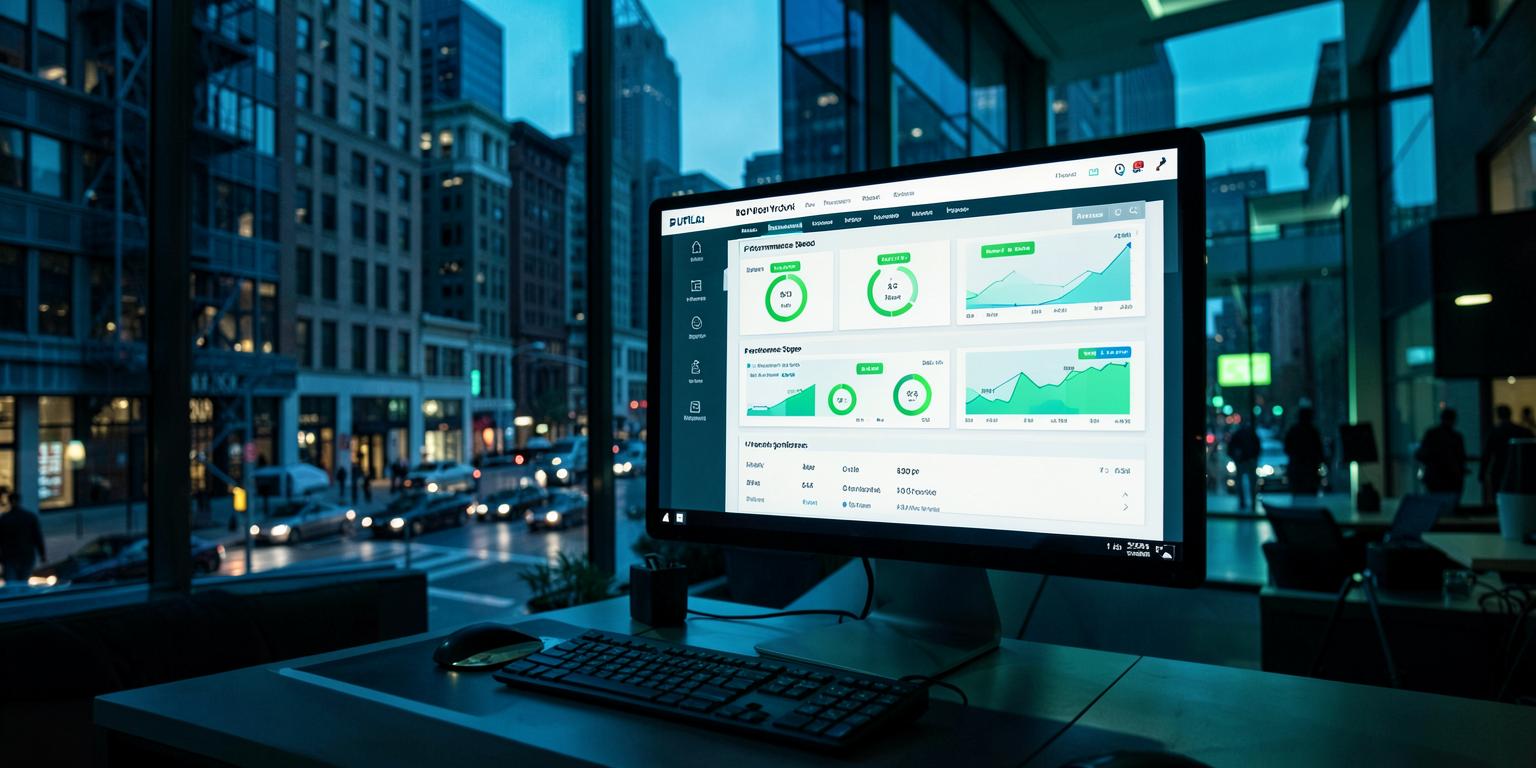
From speed audit to verified improvements.
This walkthrough shows the process from audit through staged fixes and before-and-after reporting. The exact work and achievable result depend on the website reviewed.
What the report covers
Every project starts with mobile and desktop measurements and ends with a comparable report. Kenton Web Design does not promise a score before reviewing the theme, hosting, apps, plugins, and third-party scripts that affect the site.
- Mobile + desktop
- PageSpeed testing
- LCP
- Main content loading
- INP
- Interaction responsiveness
- CLS
- Visual stability
- Before + after
- Documented comparison
- Staging first
- Safe implementation
Step 1 — What the audit found
Before touching anything we profile the site in the lab and in the field. Four problems accounted for almost all of the damage.
3.4 MB of unsized images above the fold
Product and banner images were uploaded straight from the camera roll as full-size JPEGs, served at 2400px into a 640px slot with no width or height attributes — which is where most of the layout shift came from too.
19 plugins loading on every page
A slider, two form builders, a retired popup tool and an analytics duplicate were queuing CSS and JS site-wide, including on the checkout, where none of them were used.
780 KB of render-blocking CSS and JS
Theme and plugin stylesheets loaded in the head before anything painted, plus three external font families pulled in at request time with no preconnect.
No page cache, no object cache, no CDN
Every visit hit PHP and the database. Time to first byte averaged 1.2 seconds, and an uncached AJAX call fired on page load for the cart fragments.
Step 2 — What we actually changed
No caching plugin and a prayer. Every item below was shipped on staging, measured, and kept only if it moved a number.
- Full-page caching with correct cart and checkout exclusions
- Object cache enabled, database cleaned of 41,000 stale rows and orphaned meta
- CDN configured in front of static assets with long-lived cache headers
- Server-level compression and HTTP/2 push of critical assets
- Every image converted to WebP with AVIF fallback and resized to the slots that use them
- Explicit width and height on every image, killing the layout shift
- Fonts self-hosted, subset and preloaded with font-display: swap
- Hero image preloaded, everything below the fold lazy-loaded
- Critical CSS inlined, the rest deferred; 220 KB of unused CSS removed
- Plugin scripts dequeued per template so checkout only loads checkout code
- Four plugins removed outright and two replaced with lighter equivalents
- Cart fragment AJAX limited to pages that actually show a cart
- Third-party tags moved behind consent and loaded after interaction
Step 3 — The results, in writing
Mobile went from 34 to 92 and all three Core Web Vitals moved into Google's "good" band. The biggest single win was images: converting, resizing and preloading them cut 4.2 seconds off the largest contentful paint on its own. Dequeuing plugin assets per template took another second off checkout.
The commercial side matters more than the score. With the store loading in under two seconds on a phone, add-to-cart rate rose 27% and mobile bounce dropped 41% over the following month — on the same traffic, the same products and the same ad spend. We handed over the before-and-after report with screenshots on day nine and closed the project. No retainer attached.
How your project would run
Day 1 — Free audit
We test the live site in Google PageSpeed Insights and against real CrUX field data, then hand over a plain-English list of what is slow, why, and the realistic score we can reach.
Days 2-8 — The pass
All work happens on a staging copy of the site. Nothing on the live store changes until the numbers hold on mobile and desktop and every template has been clicked through.
Day 9 — Publish and prove
We publish, re-test, and send the before-and-after report with real screenshots. Flat fee, no retainer, no hourly surprises.
$795 WordPress / WooCommerce
$1,095 Shopify store
Free audit first, flat fee after, before-and-after scores in writing. Buffalo, NY — US based, never outsourced.
Questions, answered
Is this a typical result?
It is typical for a WooCommerce site that has never been optimized. Most WordPress sites we take on start in the 30s to 50s on mobile and land in the high 80s or 90s. Heavily customized themes and page builders lower that ceiling, which is why we give you the realistic target after the free audit rather than before it.
How long does a project like this take?
Five to seven business days from the moment we get hosting and admin access. Larger stores with heavy customization can run to two weeks; we tell you which one you are at the audit stage.
What does it cost?
A flat $795 for a WordPress or WooCommerce site and $1,095 for a Shopify store. That covers the audit, the optimization pass and the written before-and-after report. The audit on its own is free.
Will my site break while you work on it?
No. Every change is made on a staging copy (WordPress) or duplicate theme (Shopify) and clicked through template by template before it goes live. Your store keeps selling the entire time.